The Safelog Transition service is available for registered Safelog users with an active paid subscription only. Using a web browser from your PC or Mac, please log in to SafelogWeb.com with your active, subscribed account to use this service. If you're not
a Safelog subscriber yet, we welcome you to purchase a subscription and join the thousands of satisfied Safelog users who have come to us from other older / obsolete / too-expensive-yet-less-capable logbook systems.
Log in to your account at SafelogWeb.com.
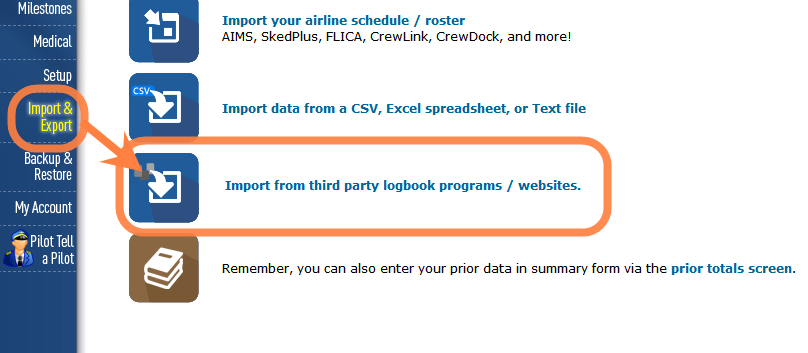
Once you are logged in, the Safelog Transition pages can be accessed through "Import and Export" on the left side and then "Import from third-party programs/websites.".